How to prepare for the move from Dynamics NAV to Business Central
Moving to Business Central is more than installing a new version. It is a chance to review processes, drop customisations you no longer need and tidy up your data.

Assess your current system
Start with what has been changed in your Dynamics NAV. List the customisations, reports and integrations and mark which ones are actually used. Some of what once had to be built separately is now standard in Business Central.
Important
The scope of a migration depends less on the amount of data and more on the number and complexity of customisations.
Clean up your data before migration
Move only what you will need. Check customer and vendor cards, items and open documents. Historical data can often stay in an archive without moving it to the new system.
Plan testing and training
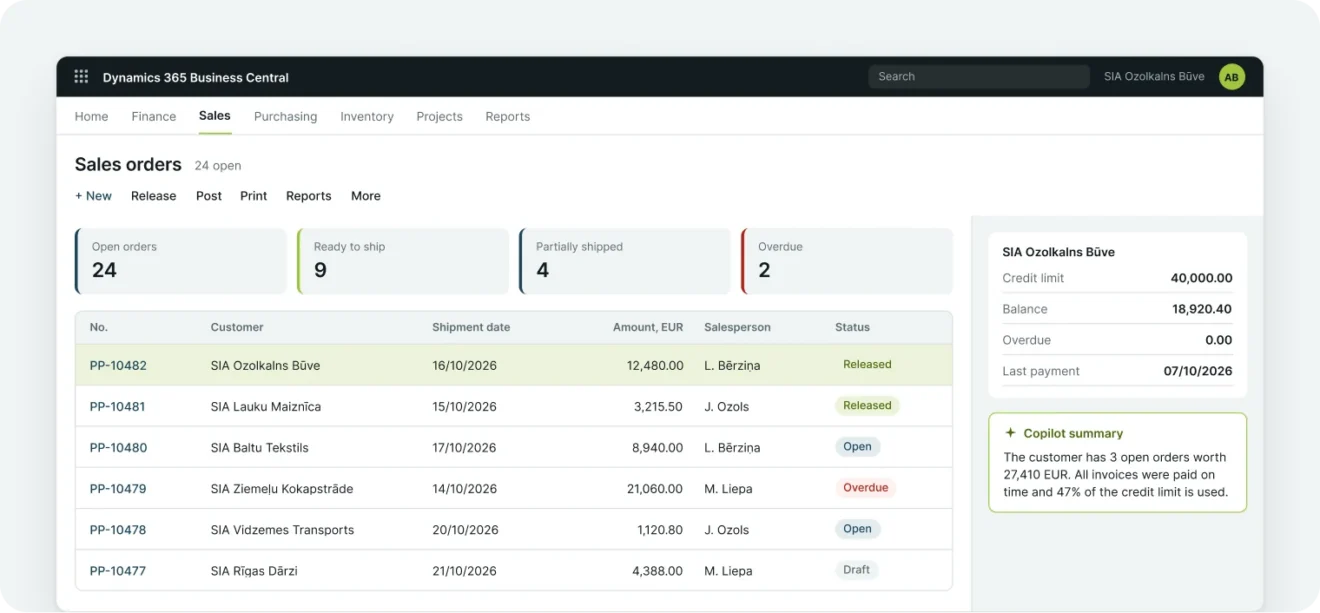
Before go-live your staff test the main processes with their own examples: issuing an invoice, importing payments and closing the month. Plan training so that every user learns exactly their own tasks.
Already using Dynamics NAV or Navision?
Assess your current system